 NEURAL APPS

How do you deploy a task-specific model on mobile hardware? Start with the user task, then measure the model on the devices and operating-system versions that the release must support. The design below is a deployment framework, rather than a published NeuralApps battery, thermal, or fleet-performance benchmark.
At NeuralApps, our role as a software development company prioritizing practical utility means we cannot rely on theoretical benchmarks. We must ensure that our artificial intelligence implementations function just as reliably for a field technician in a low-connectivity zone as they do for an executive in a high-speed corporate network. Building innovative digital experiences requires a rigorous, systematic approach to mobile machine learning. Here is the exact, step-by-step process we use to translate algorithmic potential into deployed mobile software.
Step 1: Hardware constraints dictate model architecture selection.
Resource allocation starts with the target device ecosystem, model format, runtime, input size, and memory budget. A model file size or device age alone does not determine whether a workload can load or run acceptably. Measure initialization, peak memory, and sustained execution on the oldest supported device before setting a compatibility or performance claim.
Device names and processor specifications do not establish the performance of a particular model. Record model version, precision, runtime, input size, memory use, inference latency, and sustained thermal behavior on each supported device. Google's LiteRT benchmark guide describes runtime measurements; those measurements must be repeated in the actual app before making performance claims.
Practical configuration tip:
Consider selecting compatible model variants after checking runtime and memory limits. Validate the fallback and download path on the oldest supported device; selecting a smaller model does not itself guarantee that memory failures are prevented.
Step 2: Task-specific AI agents solve workflow fragmentation.
Task-specific models can be useful when a narrow, testable workflow matters more than a conversational interface. This is an architecture choice for the task, rather than proof that the whole enterprise market has moved away from general models.
Assess the value of specialized automation against the actual workflow: extraction accuracy, review effort, integration errors, and task completion time. Unverified market forecasts do not establish the expected return or suitability of a deployed mobile agent.
Consider a sales representative updating a client record. A task-specific agent doesn't need to generate creative text; it needs to monitor an incoming email, extract the relevant contact variables, and update the associated CRM entry automatically. Or, when processing a signed contract, the agent operates quietly in the background of a PDF editor, verifying signature placements and cross-referencing clause structures against a legal database. These are the AI-powered mobile solutions that actually generate return on investment.
Step 3: Computer vision pipelines require distinct processing strategies.
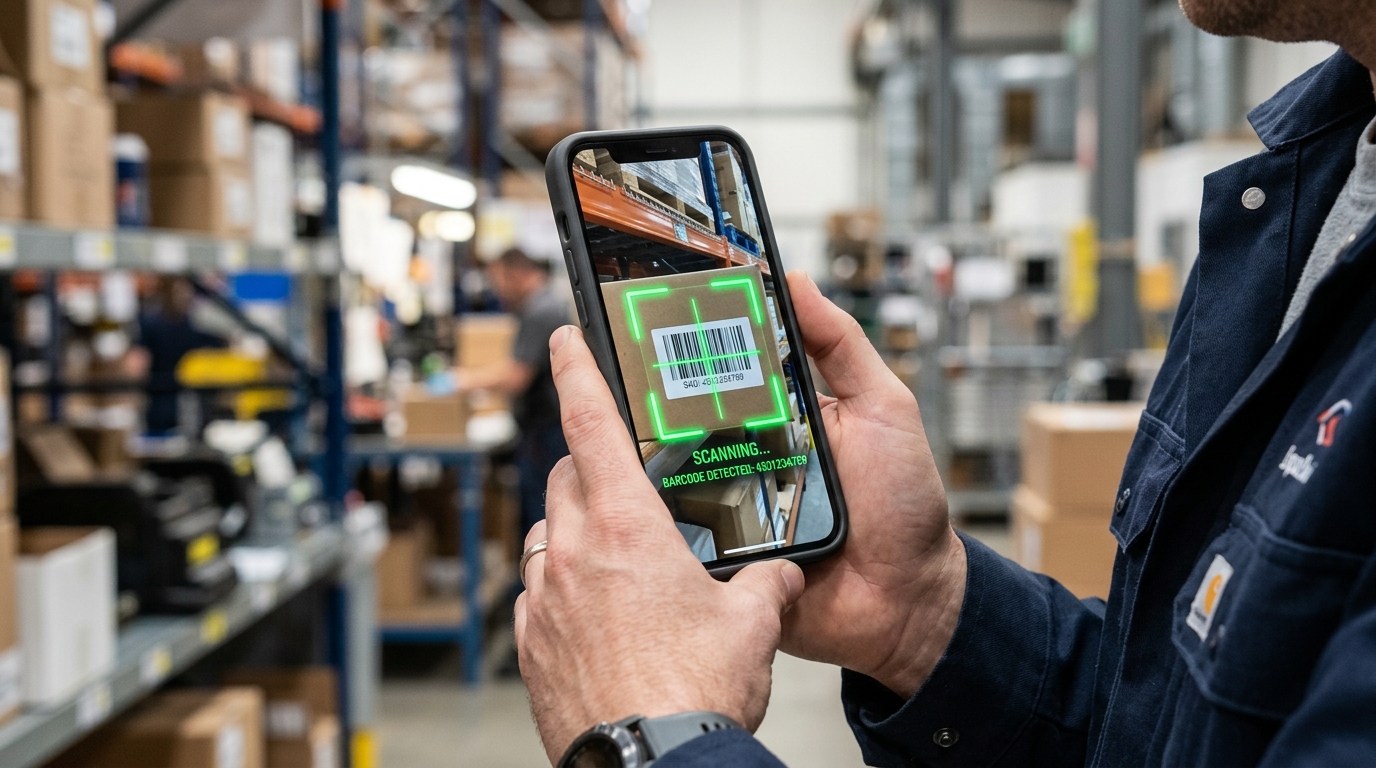
In my experience building computer vision algorithms, visual data introduces a unique set of edge cases. Lighting variability, focal blur, and unexpected angles constantly threaten to break the processing pipeline. Because computer vision handles spatial data rather than text arrays, the computational overhead is significantly higher.
A document or barcode workflow can separate capture, detection, extraction, and user review into stages. Treat this as a design option: camera conditions, model compatibility, and error handling still need testing on the intended devices.
A staged pipeline may use a lighter detector before a more expensive extraction step. Frame rate, confidence thresholds, and stabilization signals should come from device testing, rather than a fixed claimed 30-fps result. As Furkan Işık detailed in a recent post on user pain points, choose a pipeline only when it resolves a real user task.

Step 4: Edge computing and cloud infrastructure must work simultaneously.
Choose local, cloud, or hybrid processing according to the task and data flow. Apple's Core ML documentation and Google's LiteRT documentation provide deployment starting points. A vendor framework does not demonstrate that a NeuralApps product implements a particular model, runs offline, or meets a performance target.
Network-dependent tasks should disclose what stops when connectivity is lost. Test queueing, retry behavior, and user feedback under weak connections; a hypothetical four-second delay is not a measured abandonment threshold.
Hybrid infrastructure checklist:
- On-Device (Edge): Real-time video frame analysis, privacy-sensitive data extraction (like ID scanning), and offline fallback processing.
- Cloud: Aggregated data analytics, complex natural language processing that exceeds local memory limits, and asynchronous background tasks.
- Synchronization: Event-driven architecture that queues local actions and syncs with the central server only when network conditions are optimal.
Step 5: Feature prioritization aligns directly with measurable user utility.
The final step in deploying intelligent mobile architecture is ruthless editorial control over the product roadmap. It is incredibly tempting for a development team to integrate new capabilities simply because the APIs are available. But adding predictive text to a settings menu or a conversational assistant to a simple calculator app adds unnecessary weight and degrades the core user experience.
As a company specializing in these integrations, we measure success by how quickly a user completes their intended task. If an intelligent feature slows down the time-to-completion, it is removed from the pipeline. Dilan Aslan explained this dynamic extensively when discussing our product roadmap: long-term product direction must map directly to clear user needs, not just platform capabilities.
Deploying machine learning models to mobile environments is no longer a research experiment; it is a fundamental requirement for modern business software. By auditing hardware constraints, focusing on task-specific agents, optimizing computer vision pipelines, and utilizing hybrid cloud architectures, organizations can build tools that genuinely improve daily operations. The technology exists to process complex data directly in the palm of your hand—success depends entirely on the discipline of your execution.