 NEURAL APPS

A product roadmap is a structured view of what a software company chooses to build, delay, refine, or reject based on real user problems. For a mobile development company specializing in AI powered solutions, the long-term direction should be measured less by feature volume and more by whether each release makes a digital task faster, clearer, and more dependable for the people using it.
That principle shapes how NeuralApps thinks about product planning. Roadmaps often get presented as polished timelines, but the harder work happens earlier: deciding which problems are persistent enough to deserve investment, which platform changes matter, and which ideas look innovative on paper but add little value in practice. The result is not a promise to build everything. It is a framework for making better decisions over time.
Start with the job, not the feature
Many product teams still begin with feature brainstorming. A better starting point is the user job. What is the person actually trying to finish on a phone, and what gets in the way?
In mobile software, the most durable opportunities usually come from repeated, everyday tasks: editing a document while away from a desk, organizing customer information in a lightweight crm workflow, saving and sharing files, or completing a task that spans devices. People do not wake up wanting more menus or more automation. They want fewer steps, less friction, and more confidence that the result will be correct.
This distinction matters because it changes product direction. If the job is “make document edits quickly from a phone,” the roadmap may prioritize speed, layout stability, export accuracy, and offline handling. If the job is “track contacts and follow-ups without opening a complex desktop system,” a crm-oriented product decision may focus on input simplicity, reminders, and mobile-first navigation rather than enterprise-level customization.
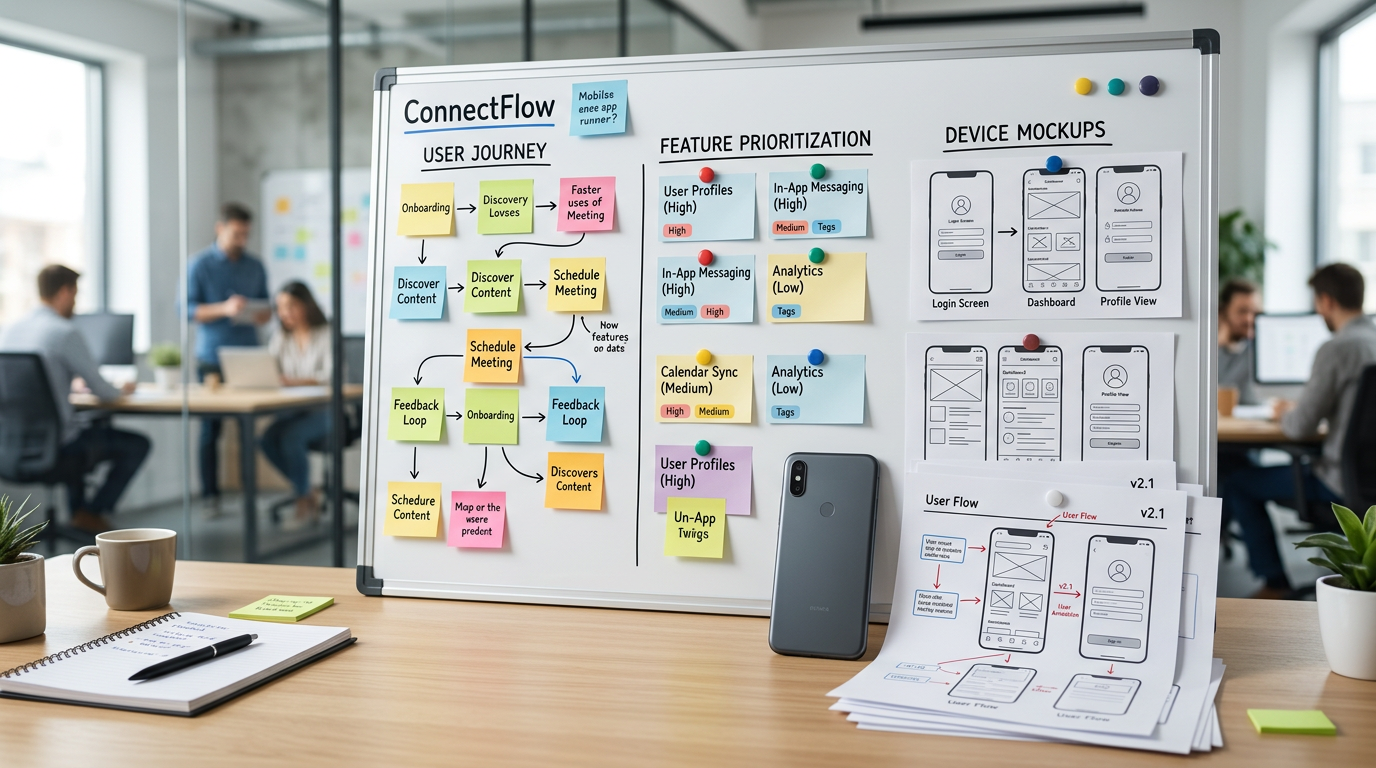
That is why long-term planning at a company like NeuralApps should be read as a map from user jobs to product capabilities. Features are outputs. User relief is the outcome.
What long-term direction actually means
Vision is often misunderstood as broad ambition. In product terms, it is narrower and more useful than that. It answers three questions: which problems the company is committed to solving, for whom, and under what standards of quality.
For NeuralApps, the long-term direction fits a clear space: practical mobile solutions for high-frequency digital tasks, especially where intelligent assistance can reduce effort without making the experience harder to trust. That position is important because not every app category deserves the same level of investment. Some markets are crowded but shallow. Others have stable demand because they serve recurring needs.
A pdf editor is a good example of the second category. People regularly need to review, annotate, sign, convert, or reorganize documents from their phones. The need is not seasonal and it is not tied to a single industry. The roadmap logic here is straightforward: make the core workflow dependable, improve speed on real devices, reduce failure points in export and sharing, and add assistance only where it removes manual work rather than interrupting it.
The same logic applies to mobile productivity utilities more broadly. Long-term product direction should favor categories where users return frequently, where small usability gains compound over time, and where software development effort can create visible practical value.
Roadmaps should respond to device reality
It is easy to discuss product strategy in abstract terms and ignore the hardware context. Mobile apps live inside specific device constraints, screen sizes, processing profiles, and user expectations. A roadmap that does not account for that reality usually turns into rework.
Consider how users experience the same app across an iphone 11, iphone 14, iphone 14 plus, and iphone 14 pro. These devices are all modern enough to run demanding applications, but they still create different product expectations around display space, responsiveness, battery behavior, and interaction comfort. A dense editing interface may feel acceptable on a larger screen and cramped on a smaller one. A camera-based workflow may perform differently based on hardware capability. A premium animation pattern may look polished on one device and unnecessary on another.
So one part of roadmap planning is plain operational discipline: which experiences must be universally stable, which can adapt by device profile, and which should be kept simple because the added complexity is not worth the support burden. That is not glamorous strategy, but it is where many innovative ideas either become practical products or remain demos.
For a mobile company, platform-aware development is not optional. The roadmap has to respect the way people actually use their phones: one-handed, while multitasking, often under time pressure, and with little patience for re-learning familiar actions.
How product decisions map to user needs
A useful roadmap can be read from left to right:
User need → product problem → capability decision → release priority.
That sounds simple, but it forces discipline. Here is what that looks like in practice.
1. If the need is speed, remove steps before adding intelligence
Teams sometimes rush to add ai powered features before fixing navigation, load time, or file handling. That is backwards. If a user needs to complete a task quickly, the first roadmap priority is fewer taps, faster startup, and clearer actions. Assistance should come after the core path is already efficient.
For example, in a document workflow, automatic suggestions are useful only if opening, editing, saving, and exporting are already reliable. Otherwise, the app becomes clever in the wrong places.
2. If the need is confidence, invest in accuracy and predictability
Some categories are less about novelty and more about trust. A pdf editor, scanner, file organizer, or structured data tool lives or dies on whether users believe the output will match what they intended. In these cases, roadmap decisions should lean toward rendering consistency, auditability, recovery options, and simple confirmations.
Users rarely praise a product for avoiding errors they never saw. But they stop using it quickly when it creates doubt.
3. If the need is continuity, design for cross-context use
Mobile work rarely happens in one uninterrupted session. People start on a train, continue at work, then review at home. Product decisions should therefore support resume behavior, state preservation, file history, and sharing paths that do not break when context changes.
This is especially relevant in lightweight crm and productivity scenarios, where the value often comes from being able to capture something immediately and trust that it will still be organized later.
4. If the need is simplicity, resist feature accumulation
Long-lived apps often become harder to use because each roadmap cycle adds edge-case functionality. Good product strategy includes subtraction. If a feature serves a tiny audience while complicating the core path for everyone else, it should be reconsidered, hidden behind advanced settings, or dropped entirely.

A practical roadmap model for the next several years
For a company specializing in mobile solutions, a sensible long-range roadmap is usually built across three layers rather than one giant release plan.
Layer one: strengthen core utility products
This layer focuses on products people open because they need to finish something now. Document tools, editing utilities, structured information apps, and workflow helpers fit here. The goal is depth, not breadth: better performance, stronger reliability, improved accessibility, and smarter defaults.
In this layer, innovation should be measured by reduced effort. If an ai powered function saves time on a repeated action without creating uncertainty, it belongs. If it adds explanation, correction, or review burden, it probably does not.
Layer two: build reusable intelligence and interface patterns
Over time, development becomes more efficient when the company identifies common patterns across products. Examples include text recognition, summarization, form extraction, search assistance, smart sorting, or adaptive layouts for different mobile screens. Instead of rebuilding these capabilities separately for each app, the roadmap can treat them as shared components.
This matters for users because consistency lowers learning cost. It matters for the company because it improves speed of execution and quality control.
Layer three: explore adjacent workflows carefully
Expansion should be adjacent to proven behavior, not detached from it. If users already rely on a document tool, related needs may include storage organization, signature flow, quick conversion, or collaboration handoff. If users rely on a lightweight crm-style app, adjacent areas may include meeting notes, follow-up prompts, or field capture.
The key word is adjacent. Companies lose focus when they interpret every successful product as permission to enter unrelated categories.
What this means for users, not just for the company
Roadmaps are often written from the inside out. Users care about them from the outside in. They want to know whether the apps they depend on will become more dependable, not more bloated.
For existing and future users, a roadmap built on real needs usually leads to a few visible benefits:
- Faster completion of common tasks on mobile
- Less friction when moving between device types and screen sizes
- More stable output in utility-heavy apps
- Smarter features that support decisions instead of replacing them blindly
- Clearer product scope, so each app stays understandable
That is also where a company earns trust. Not by claiming to do everything, but by showing restraint and consistency in what it chooses to improve.
Questions product teams should keep asking
When a roadmap stays healthy, it is usually because a few uncomfortable questions remain active in planning discussions.
Are we solving a repeated problem or a temporary curiosity?
Repeated problems deserve sustained investment. Curiosity spikes often do not.
Would this feature still matter on an older but widely used device like iphone 11?
That question keeps the team grounded in broad usability instead of optimizing only for top-end hardware.
Does this belong in the current product, or should it be a separate experience?
Roadmaps improve when scope boundaries are explicit.
Is the user saving time, or are we shifting work into review and correction?
Assistance that creates oversight burden is not real simplification.
Where NeuralApps fits in that picture
NeuralApps operates best when it treats each product as part of a coherent mobile portfolio rather than a collection of disconnected releases. That means development choices should reinforce a recognizable standard: practical utility, thoughtful use of intelligence, stable mobile execution, and a bias toward features that earn repeated use.
Readers who want context on that broader product philosophy can see how the company frames its work in its overview of AI-powered mobile app development. A more specific example appears in the company’s apps portfolio and product category pages, where utility-focused products reflect this same roadmap logic in different forms.
The important point is not that every product should look alike. It is that every product decision should answer the same test: does this make a real mobile task easier to finish, on real devices, for real users?
That is the kind of long-term direction worth publishing. It gives users a clear expectation, gives the development team a filter for difficult choices, and gives the company a practical way to stay innovative without drifting away from the needs that made the roadmap necessary in the first place.