 NEURAL APPS
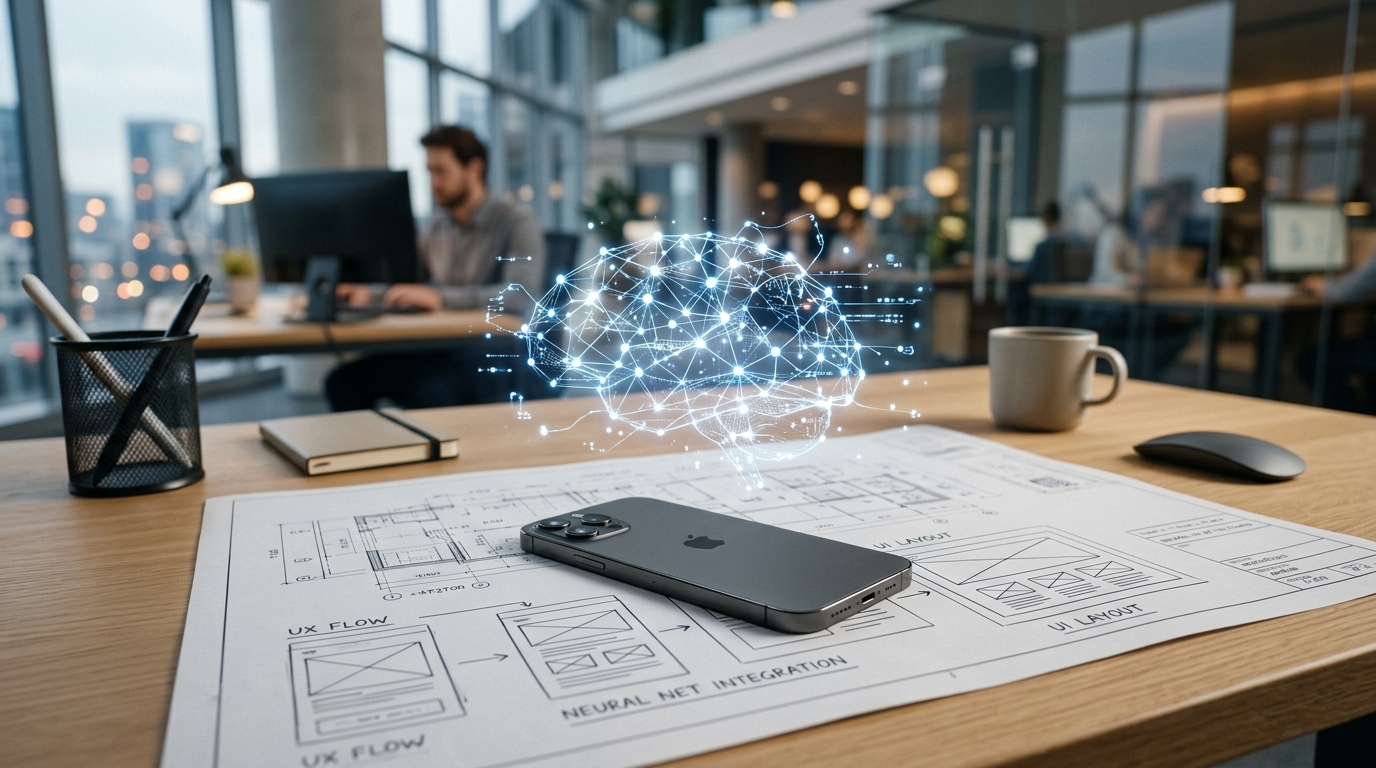
Why do so many enterprise applications fail to keep pace with the massive technological strides we see in daily hardware upgrades?
It is a frustrating reality for many organizations. We carry devices with more localized processing power than desktop computers had a decade ago, yet the applications we rely on for critical business functions often feel sluggish, disconnected, or bloated. As a product designer, I spend my days analyzing exactly where user workflows break down. The root of this problem rarely lies in the hardware itself. Instead, the friction exists because legacy application architecture was never designed to handle contextual, agentic tasks on the edge.
An AI-powered mobile solution is fundamentally a localized application that processes data through embedded neural networks rather than relying entirely on cloud servers, instantly reducing latency in repetitive daily tasks. When we fail to apply this capability to specific verticals—like sales tracking or document management—we miss a significant opportunity for organizational efficiency. The solution requires a fundamental shift in how we approach app category development: moving away from generic, one-size-fits-all platforms and toward hyper-specialized, intent-driven software.
Everyday digital friction limits organizational growth.
The transition to fully digitized operations is still an ongoing struggle for many teams. In 2023, Eurostat noted that only 59% of EU companies had reached basic digital integration. This statistic highlights a critical vulnerability: when the tools are difficult to use, adoption stalls.
Think about the common hurdles a sales professional faces in the field. They might finish a client meeting and need to update their pipeline. If their mobile CRM requires seven taps, a stable internet connection to sync with a distant server, and manual data entry on a small keyboard, they are likely to delay the task. That delay causes data degradation. The software, which is supposed to be an enabler, becomes a bottleneck.

Similarly, consider document workflows. A standard PDF editor on a mobile device is often just a static viewer with clunky annotation tools. If a user needs to extract key clauses from a contract while commuting, a traditional application forces them to pinch, zoom, copy, and paste between multiple apps. This context switching destroys focus. We are asking users to adapt to the limitations of the application, rather than designing applications that adapt to the user's immediate environment.
As my colleague Furkan Işık explored in his analysis of which app categories solve real user problems best, vertical-specific pain points require vertical-specific architecture. Generic utility apps simply cannot handle the nuanced demands of specialized professional workflows.
Hardware variance dictates design constraints.
To solve these friction points, developers must build with a deep respect for the physical environment where the software operates. The mobile ecosystem is incredibly fragmented, and designing an equitable user experience across varying generations of hardware is one of the toughest challenges in my field.
When our team at NeuralApps prototypes a new feature, we have to account for disparate compute capabilities. Running a localized language model to summarize a document on an iPhone 14 Pro is a relatively smooth process, thanks to its advanced neural engine and dedicated silicon. The hardware readily supports the heavy lifting. However, ensuring that same intelligent feature works efficiently on an older iPhone 11 requires rigorous optimization, model quantization, and aggressive memory management.
Even within the same generation, form factor alters the user experience. Designing an interface for the expansive screen of an iPhone 14 Plus allows for side-by-side data visualization that simply isn't viable on standard models. The solution here is adaptive UI architecture. We cannot build AI features that only work for users with flagship devices. We must design scalable neural tasks that degrade gracefully on older hardware while still providing core functional value.
Utility separates practical solutions from technological novelties.
The broader technology sector is heavily focused on the rapid expansion of machine learning infrastructure. According to a recent report by Precedence Research, the global artificial neural network market is projected to reach an astonishing $142.01 billion by 2034, expanding at a CAGR of over 20%. The broader neural network software market is seeing similar growth, driven by data proliferation and enterprise automation efforts.
But raw market size does not equal user value. As Kaoutar El Maghraoui, Principal Research Scientist at IBM, recently pointed out regarding industry trends, efficiency is the new compute frontier. We are moving toward a future where new classes of chips will emerge specifically for agentic workloads.
For a software development company specializing in mobile architecture, this means the focus must shift from "What can the AI do?" to "How efficiently can it complete the user's task?"
As Simge Çınar clearly articulated in her post on why utility outweighs novelty, algorithmic potential only matters when it translates into measurable outcomes. We see this vividly in how we approach our own product verticals. An intelligent CRM must do more than store contacts; it should proactively surface the exact client history a user needs right before a scheduled call. An advanced PDF editor shouldn't just allow text editing; it should intuitively understand document structure, enabling instant extraction of tables or specific clauses without manual highlighting.
Cognitive load decreases when interfaces align with natural behavior.
There is a fascinating intersection between interface design and how the human brain processes digital information. When we remove unnecessary steps from a mobile workflow, we aren't just saving time—we are actively reducing cognitive fatigue.
In my experience, users abandon innovative features when the mental effort required to learn them outweighs the immediate benefit. Interestingly, studies in neuromarketing back this up. Research highlighted by the Journal of Consumer Neuroscience found that digitally optimized layouts—those informed by eye-tracking and behavioral studies—can increase task conversion rates by up to 28%. When an application's layout is restructured around natural gaze patterns and predictive actions, user frustration drops significantly.
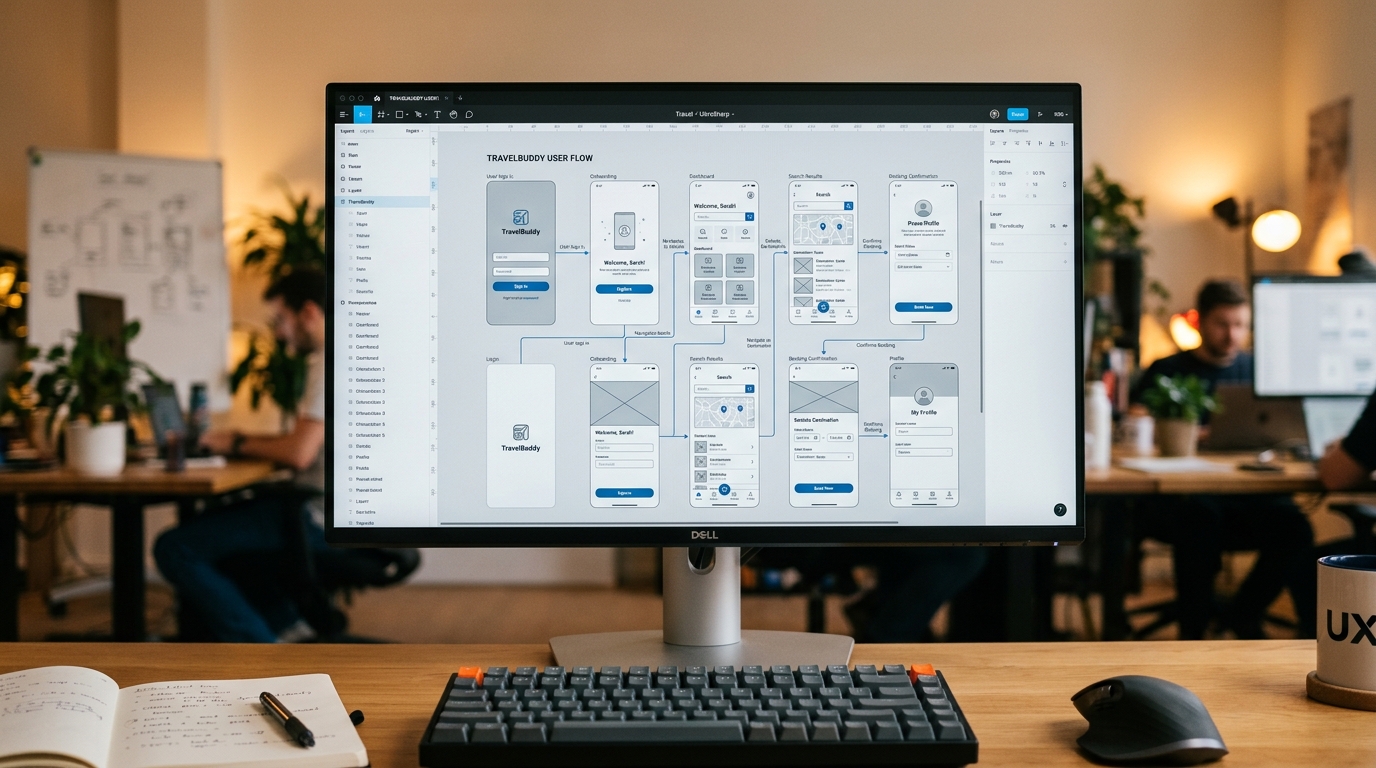
This is why context-aware design is paramount. If a user opens our CRM application while moving, the interface should prioritize voice-to-text logging and large, easily tappable action buttons. If they open the same app while stationary on a tablet, the interface should expand to offer deeper analytical dashboards. The software must adapt to the human, not the other way around.
Strategic selection criteria define enterprise success.
How do organizations ensure they are adopting the right mobile solutions rather than just accumulating more digital clutter? The answer lies in rigorous selection criteria. When evaluating an application to solve internal workflow friction, I recommend teams apply the following decision framework:
- On-Device Processing Capability: Does the application rely entirely on a constant cloud connection, or can it perform its core functions securely on the edge? Tools that process data locally offer vastly superior speed and privacy.
- Hardware Scalability: Will the software function smoothly across your team's diverse device fleet, from an older standard iPhone up to the newest flagship models?
- Workflow Integration over Feature Count: A tool with three perfectly executed features that seamlessly fit into your daily routine is infinitely more valuable than an application with fifty features that require extensive training to use.
- Agentic Assistance: Does the application wait for commands, or does it anticipate needs? The best digital tools recognize repetitive behaviors and suggest the next logical action.
At NeuralApps, as a company focused entirely on these challenges, we view our role not merely as developers, but as workflow optimizers. We do not build technology for the sake of technology. We analyze the exact moments where professionals lose time, context, or data integrity, and we deploy targeted, efficient software to bridge those gaps.
The future of enterprise mobility isn't going to be defined by who has the most complex underlying algorithm. It will be defined by who can make that complexity feel completely invisible to the user.